History Undo/Redo
With the History Tracker component setup you can include buttons in your Character Creation Menu that undo or redo changes you've previously made.
Note
A CCM History Tracker component must be present somewhere inside the menu contents for the Undo/Redo buttons to be functional.
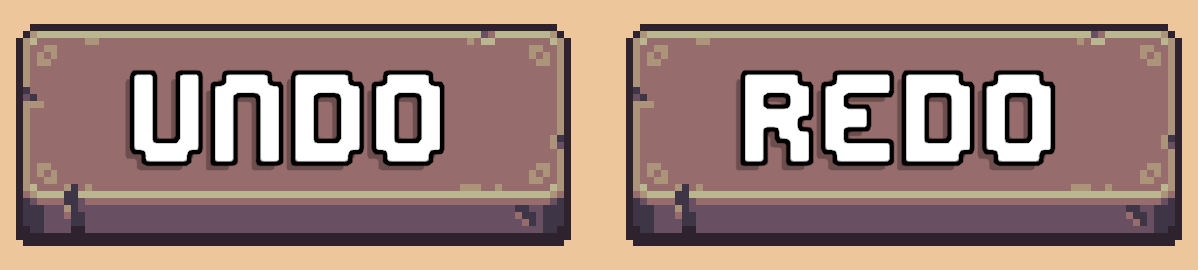
Prefabs
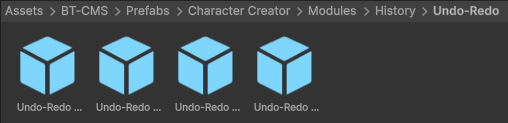
Location: Prefabs > Character Creator > Modules > History > Undo-Redo
These prefabs contain both Undo and Redo buttons pre-setup.
Drag and drop them anywhere inside the contents of your Character Creation Menu.
There are four prefabs in total. All are identical except for the sprites used.
Manual Setup
Setup is extremely simple:
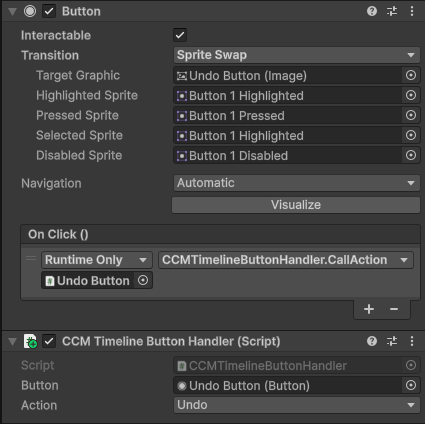
- Add the
Buttonand CCMTimelineButtonHandler component to any GameObject inside the your menu. - Assign the
Buttonreference to theCCMTimelineButtonHandlercomponent. - Set the
Actionto either Undo or Redo. - Set the buttons On Click event to call
CCMTimelineButtonHandler.CallAction.
If a button has nothing to undo/redo, the button will be automatically disabled until valid again.