Grid Layer Selector
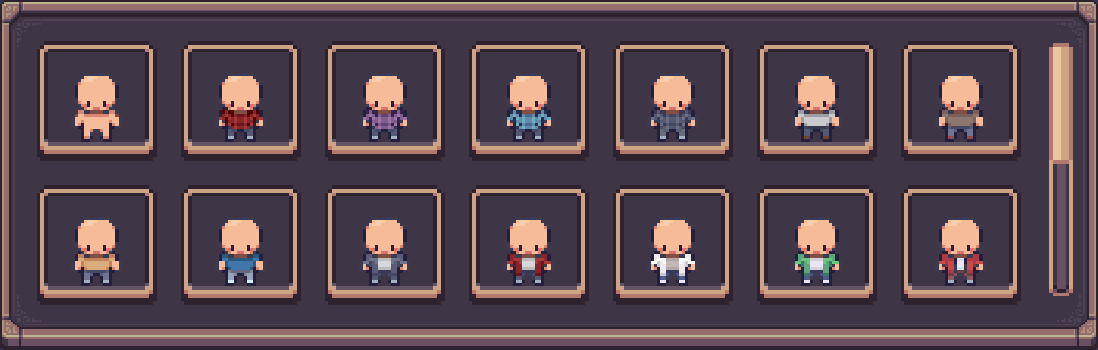
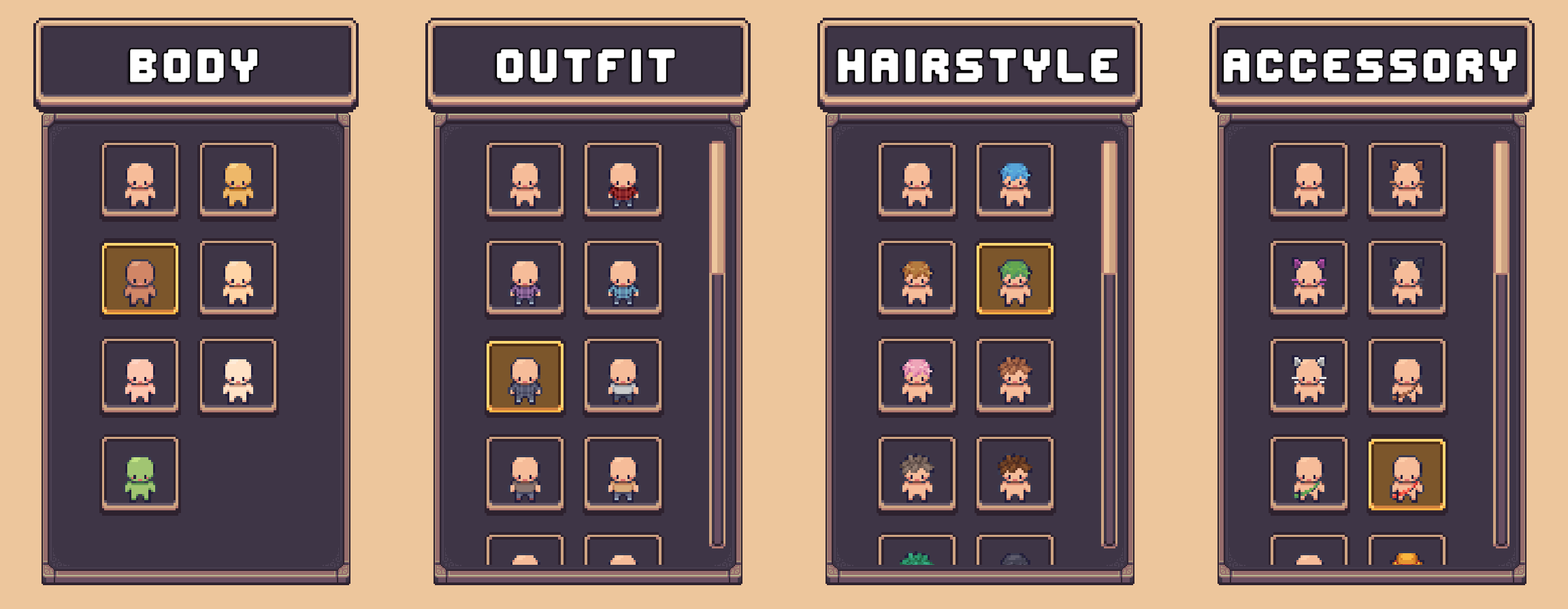
A Grid Layer Selector contains a grid where each element in the grid represents an option of the assigned character layer. When an element is selected it will be applied to the character immediately.
Usage
The Grid Layer Selector can be used in two ways.
- Use a single Grid Layer Selector with Tab Layer Selectors (Recommended).
- Use in a bulk setup alongside a set of other Grid Layer Selectors.
Prefabs
Location: Prefabs > Character Creator > Modules > Layer Selectors > Grid Selector
Core Prefabs
Located in the Core subfolder.
Contains individual Grid Layer Selector prefabs.
- Layer Grid Selector [Sprite] – Most common grid selector. Each element in the grid is displayed as a sprite.
- Layer Grid Selector [Text] – Each element in the grid is displayed as text.
- Layer Grid Selector [Sprite + Text] - Hybrid. Each element in the grid is displayed as both sprite and text.
- Layer Grid Selector [Vertical + Title] – Grid is vertical & includes a title with the name of the assigned layer at the top.
These prefabs are not functional on their own.
Pre-Setup Prefabs
Located in the Pre-Setup subfolder.
These are bulk prefabs that contain multiple Grid Layer Selectors.
Pre-setup prefabs already include a Character Layer Selection Manager.
These will work out of the box without any extra setup required.
- Grid Selectors [Auto Create] – Instantiates grid selectors [sprite] at runtime. Uses a Horizontal Layout Group component to sort them.
- Grid Selectors [Initialize Existing] – Uses grid selectors already present in the prefab hierarchy.
Grid Entries
Located in the Grid Entries subfolder.
These are the entries used in the grid for the Layer Grid Selector.
A grid entry is referenced in a Layer Grid Selector and defines how each entry in the grid looks and functions.
The following are entries that can be used in any Layer Grid Selector:
- Layer Option Grid Element [Sprite] - Displays a sprite preview of what the layer option looks like.
- Layer Option Grid Element [Text] - Displays text containing the name of the assigned layer option.
- Layer Option Grid Element [Text + Sprite] Displays text containing the name of the assigned layer option & a preview of what the layer option looks like.
Pre-Setup Tab
Located in the Pre-Setup Tab subfolder.
Pre-configured with the CCM Selected Layer Tab Handler component and ready to be used with Tab Layer Selectors.
Included prefabs:
- Grid Layer Tab
Drag and drop a prefab into the Character Creation Menu and assign the Character Layer Selection Manager.
Limitations
- The grid can be quite big and take up a lot of space at times. Works best when used with a Tab Layer Selector.